



Privilege Manager

Just-in-time local admin—secure elevation without slowing anyone down

ration
CapaOne-Privilege-Symbol
CapaOne-Privilege-Monitor
CapaOne Mobile Manager

What You Can Do

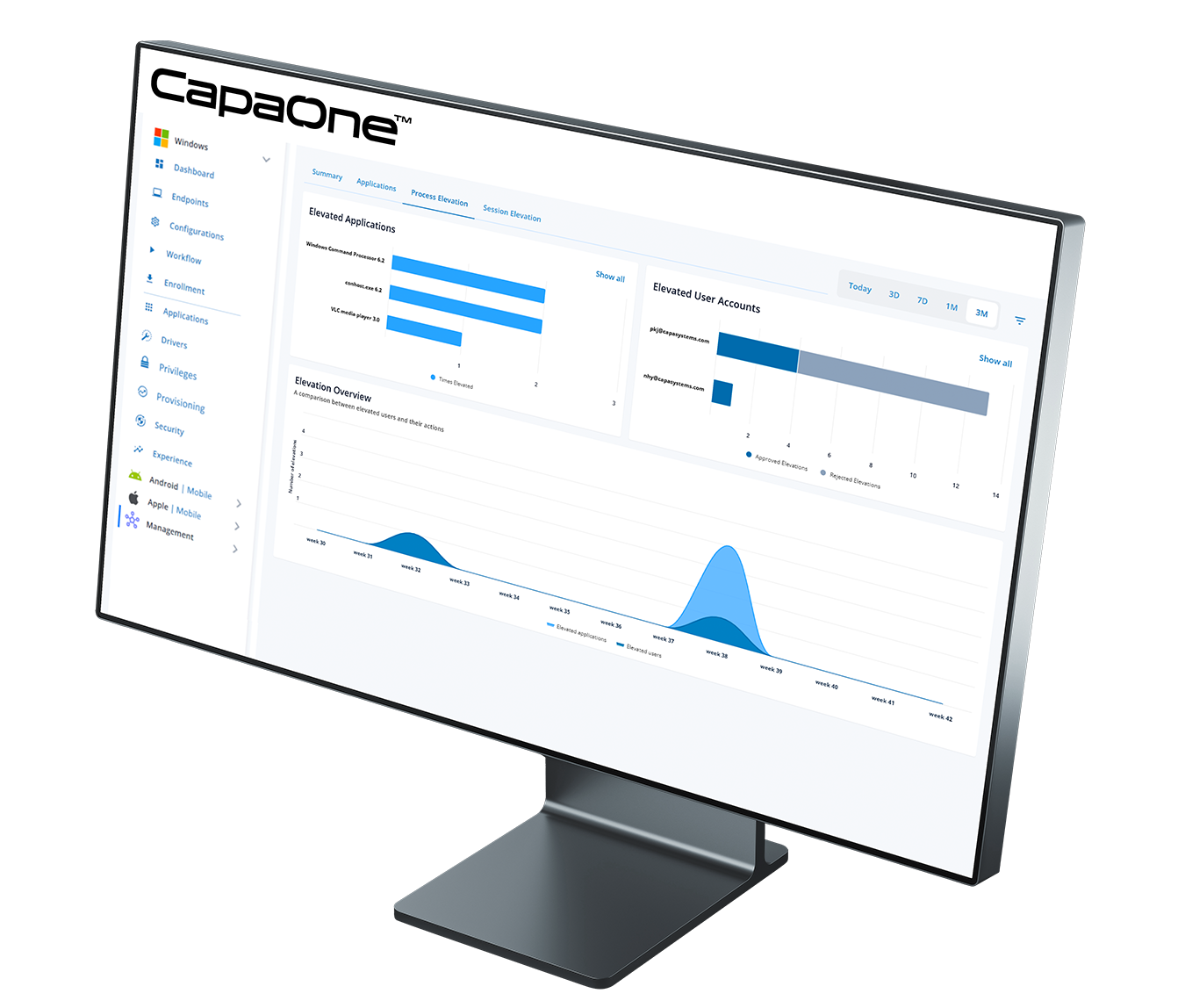
Privilege Manager removes standing local admin rights and replaces them with time-bound, auditable elevation. Users request (or receive) privileges only when needed, for the exact task or application, and only for a defined window of time—so work keeps moving while risk stays low. It integrates cleanly with your Intune setup and supports the principle of least privilege.

Key Capabilities

Time-Bound Elevation

Grant admin privileges for minutes, not days—auto-revoke on expiry.

Scope-by-Design

Elevate a specific executable, installer, command, or task—not the entire session.

Session Elevation

Quiet, in-context prompts with configurable notifications and minimal disruption.

Policy Engine

Define who can elevate what, where, and under which constraints.

Guardrails

Fully customizable controls for high-risk tools and sensitive actions.

Break-Glass Controls

Tightly scoped emergency elevation for critical, time-sensitive situations.

Logs & Evidence

Who/what/when, endpoint, changes, outcome status; export CSV for audits.

User Experience Controls

Define who can elevate what, where, and under which constraints.

1-Minute Product Walkthough

How It Fits with Intune

Security & Compliance

Operational Benefits

Goals You Can Achieve

Typical Rollout Pattern

1

Baseline & Remove standing local admin from target groups.

2

Define Policiesfor standard tasks (e.g., approved installers, printers, VPN clients).

3

Pilot with short duration and strict guardrails; review logs and tweak policies.

4

Operationalize with reports, scheduled reviews of policies, and periodic access recertification.

Have More Questions?

Users trigger elevation for a specific executable. Policies decide whether to auto-approve or deny. Admin privileges apply only to that scope and auto-expire.

Yes. Create deny rules for shells or unsigned installers and require explicit policy exceptions for controlled use.

Best practice is no standing admin. Use policies for routine tasks and break-glass elevation for rare exceptions.

User, endpoint, binary details (executable name, app path), time, duration, and outcome—all exportable.

Set short duration auto-revoke.

Yes. Target policies via Entra ID groups, respect existing group structure, and run alongside your Intune compliance and configuration.

Policies can allow cached decisions for low-risk tasks with strict durations, and queue logs for sync when the endpoint is back online.

Yes. Supporters can authorize a scoped, time-bound elevation without exposing local admin accounts.

Typically within minutes as it’s a very simple configuration, executed in a phased approach: remove standing local admin privileges, apply standard policies to test endpoints, then scale to departments with measured guardrails and reporting.

Latest from Us

Qilin Ransomware in 2026: How Identity-First Attacks Target European Endpoints — and Why Consolidation Is the Response

Qilin leads Q1 2026 ransomware activity with 361 recorded victims. The attack model has shifted from encryption to identity theft and data exfiltration at 96%. Here is what that means for European IT teams — and the endpoint posture that addresses it The numbers from Q1 2026 are consistent across every major threat intelligence source. […]

Rikke Borup
No comments

Ready to get started?

Consolidate your Endpoint Operations with CapaOne

Top