


Mobile Manager

Unified Mobile Device Management (MDM) for iOS, iPadOS, and Android—created to complement Microsoft Intune

ration
CapaOne-Mobile-Symbol
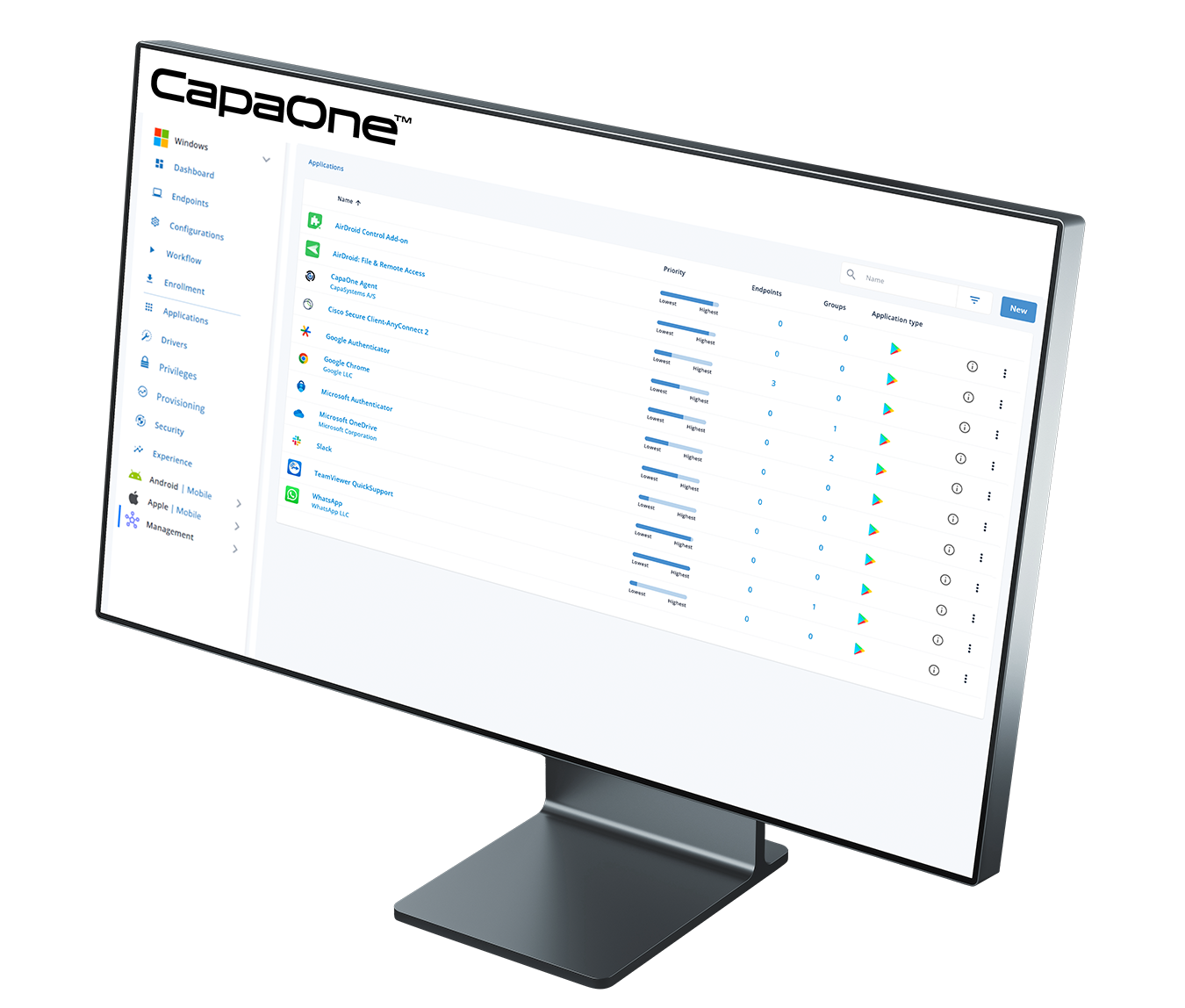
CapaOne-Mobile-Monitor
CapaOne Mobile Manager

What You Can Do

Mobile Manager centralizes how you enroll, configure, secure, and update mobile endpoints. Support corporate and BYOD programs with zero-touch onboarding, strong data protection, and app lifecycle control—while keeping Intune as the anchor for identity, compliance, and access.

Key Capabilities

Multi-platform MDM

Centralized device management across iOS, iPadOS, and Android across the organisation.

Zero-touch Enrolment

Apple Device Enrollment Program, Android Enterprise and Samsung Knox.

Policy & Profile Engine

Payloads for Wi-Fi, VPN, certificates (SCEP), restrictions, email, and web clips.

OS & Update Control

Defer OS updates stage updates by groups, enforce minimum versions.

Compliance Signals

Version inventory, encryption status, passcode posture, and applied policy overview.

DLP & Network Controls

Managed open-in, per-app VPN, copy/paste and screen-capture governance.

Device Actions

Remote lock, restart, selective wipe, full wipe, Lost Mode, OS update and password control.

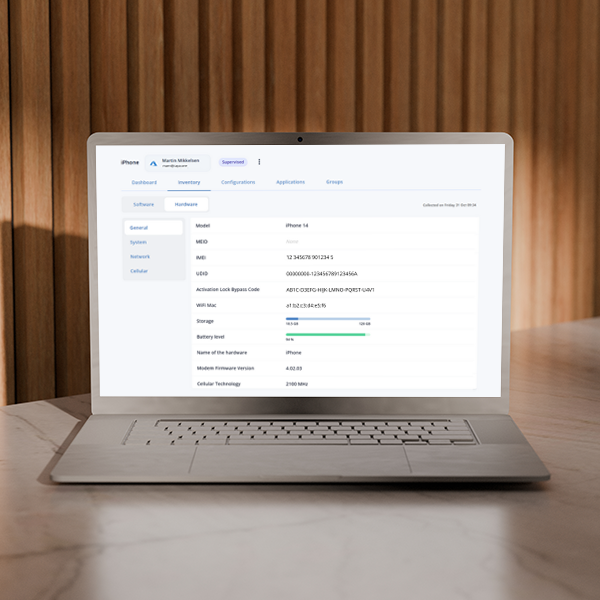
Inventory & Telemetry:

Hardware/software inventory, certificate health, app presence, and policy drift.

1-Minute Product Walkthrough

How It Fits with Intune

Security & Compliance

Operational Benefits

Goals You Can Achieve

Typical Rollout Pattern

1

Connect & MapApple Business Manager, Apple App Store, Google Play Store, Managed Google Play, and device sources.

2

Define Baselinesfor company owned and BYOD endpoints with policies, apps, and DLP settings.

3

Scale Enrollment via zero-touch and phased OS/app updates.

4

Promote to Production with throttling and windows by location.

5

Operationalizedashboards and compliance evidence exports.

Have More Questions?

iOS, iPadOS and Android—including COBO, COPE, and BYOD—with policies tailored per model.

Yes—Apple Device Enrollment Program, Android Enterprise Zero-Touch, and Samsung Knox

Integrations with Apple Business Manager, Apple App Store, Google Play Store and Managed Google Play enable mandatory installs, and silent updates

Yes—defer major releases and enforce minimum versions

Managed open-in, copy/paste governance, per-app VPN, and account-scoped profiles keep corporate data in managed contexts.

Use work profiles/managed contexts for corporate data; personal apps/data remain outside IT visibility. Selective wipe removes only corporate content.

How does Mobile Manager work with Intune and conditional access policies?
Keep Intune for identity and access decisions; Mobile Manager tracks compliance posture to align device state with access policies.

Remote lock, selective wipe, lost mode, OS update and password control or selective wipe—with audit logs for each action.

Typically same day: connect Apple/Google, set baseline configurations, enroll with zero-touch enrollment

Latest from Us

MDM Migration Without a Wipe: What macOS 26 Unlocks

If device wipes have been your reason for not consolidating your Apple fleet onto a single MDM platform, that reason just disappeared.  With macOS 26 Tahoe and iOS/iPadOS 26, Apple introduced MDM migration without a wipe — no factory resets, no data loss, no physical device handling required. The migration is orchestrated through Apple Business Manager, and users receive […]

Mickala Schwanenflügel Eilskov
No comments

Windows Autopatch Hotpatch: What It Doesn’t Patch

Only 16% of organizations required to comply with NIS2 consider themselves fully compliant — a figure that has not moved in six months, according to CyberSmart’s April 2026 NIS2 Survey of 670 business leaders across Europe. For Danish IT teams, a parallel deadline sharpens the pressure. Under the 2026 municipal budget agreement between the Danish government and KL, […]

Mickala Schwanenflügel Eilskov
No comments

Ready to get started?

Consolidate your Endpoint Operations with CapaOne

Top